
Update your profile and password
- Admin and clinic owner
- Doctor
- Nurse
- Receptionist
- +6
Short answer
In Clinizy Care, open the circle with your initials at the top right and press My Profile. Press Edit Profile to change your name, or open Change Password, fill in the three boxes and press Update Password. Use the camera icon on your picture to add a photo.
Before you start
- Know your current password.
- Choose a new password you can remember but others cannot guess.
- Keep a photo ready if you want to add one.
Steps
Open the circle with your initials at the top right and press My Profile.
Press the camera icon on your picture and choose a photo.
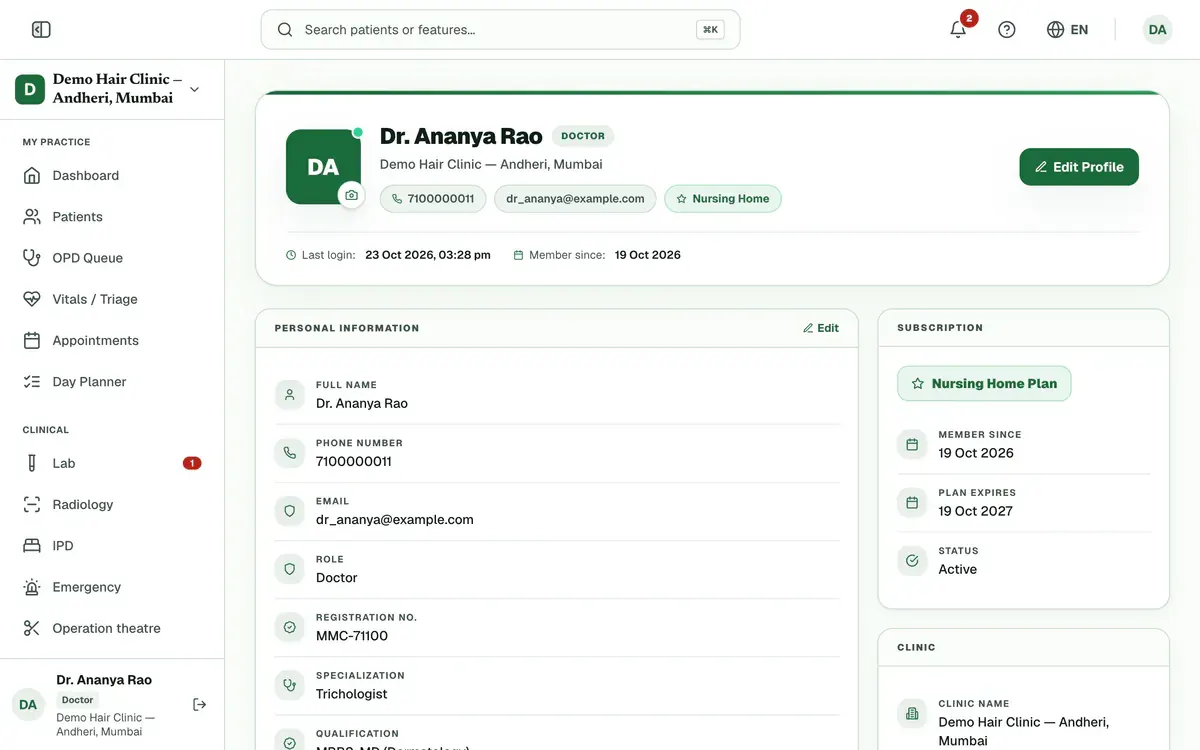
Step 2 of 6 Tip:Use a JPG, PNG or WebP image under 2 MB.
Press Edit Profile, change your Full Name, then press Save.
Tip:Your phone number and email are fixed and cannot be changed here.
Open Change Password and fill in Current Password, New Password and Confirm Password.
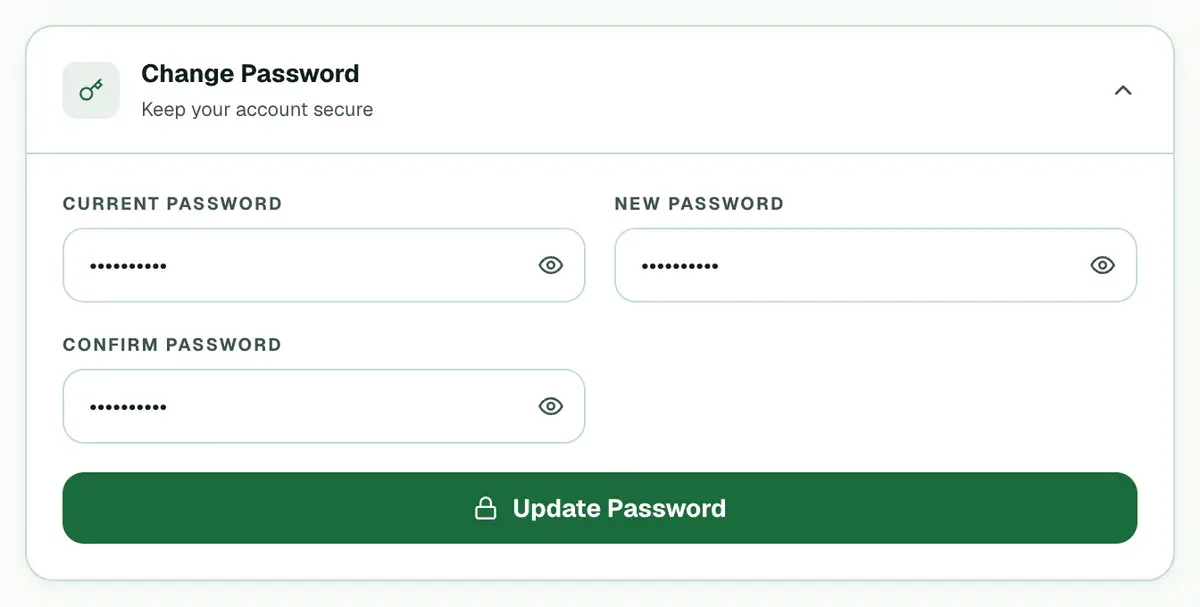
Step 4 of 6 Tip:Use at least 8 characters, with a capital letter, a small letter and a number.
Press Update Password. A message says the password changed.
Careful:The button stays off until all three boxes are filled and the two new passwords match.
Upload a scan of your signature in the Signature card if you are a doctor or admin.
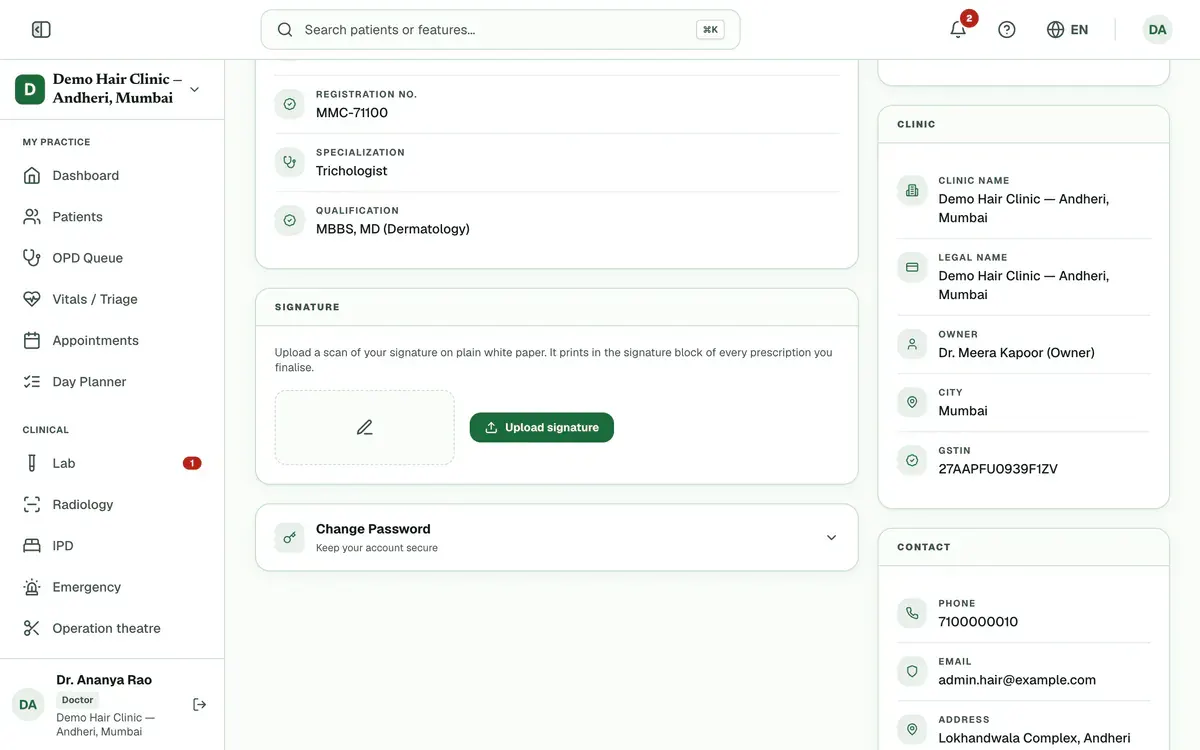
Step 6 of 6 Tip:Sign on plain white paper. The scan prints on every prescription you finalize.
If something goes wrong
Can I change my phone number or email?
No. Your phone number and email are fixed on the profile page. You can change your name, photo and password. Doctors, admins and radiologists can also edit their registration details.
What if I forget my password?
Use Forgot password? on the sign-in page, because this page needs your current password. Type your phone number and press Send reset link. Then type the 6-digit code from WhatsApp and a new password of at least 10 characters, and press Set new password.
What does my signature do?
Doctors and admins can upload a scan of their signature. It prints in the signature block of every prescription they finalize.
Related guides
Add staff and give them roles
Open Staff Management and press Add Staff. Enter the person’s name, mobile number and role, then save. Clinizy Care sends them a WhatsApp welcome and shows, live, whether it arrived. The welcome has no password, so copy the temporary password and share it with them. Edit, reset or deactivate staff on the same page.
5 minIncluded in Clinic and aboveChange the language
Press the globe button in the top bar. On a phone, press More and use the Language row instead. Choose English, Hinglish or हिन्दी. The menus and buttons change straight away. Your choice is saved in that browser only, so repeat it on any other device you use.
2 minIncluded in Clinic and aboveCheck your notifications
Press the bell in the top bar to open Notifications. Press an alert to mark it read, or press its link to go to the right page. Use the tabs and Unread only to find what matters, and press Mark all read when you have seen everything.
2 minIncluded in Clinic and above
Was this guide helpful?
Last updated 26 Oct 2026By the Clinizy Care product team